How can a preschool share daily photos with parents while keeping every child's privacy safe?
Giving parents a daily photo of their own child without exposing other families in the room.
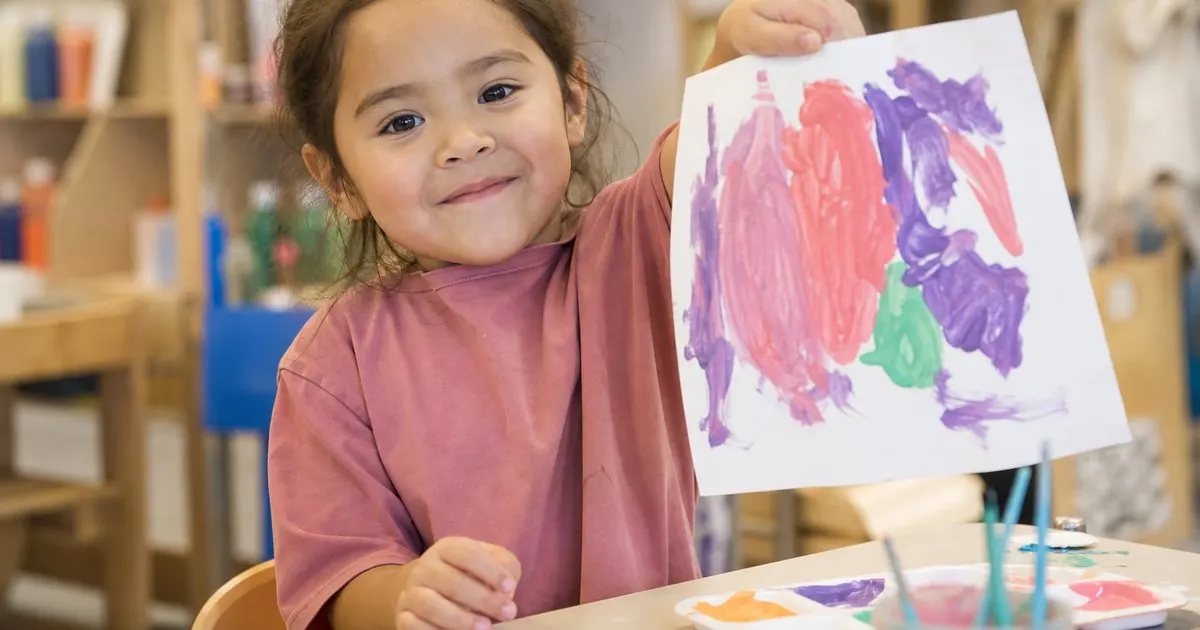
Put each photo inside the individual child's own report rather than a shared group feed. A shot of that child with their own craft reaches only their family, so no other children are exposed. Because each report travels by private link, the simplest choice is also the safe one.
Why group photos raise concerns
A photo of the whole room shows every child, which means sharing it with one family exposes children whose parents may not have agreed. Related: How can daycare staff finish daily reports for parents without losing the whole afternoon?
That is why a thoughtful photo approach focuses on the individual child in each family's own report.
Keep reading: How can daycare staff finish daily reports for parents without losing the whole afternoon?, What should a daycare include in a daily report to keep parents informed and reassured?, Can a daycare send daily reports to parents without making them install another app?. See how TinyReportr helps you daycare daily reports for parents.
One child, one report
When a photo goes into a specific child's report, only that child's family sees it, keeping other children out of the picture entirely.
This keeps the daily photo a warm, personal touch without turning it into a privacy problem across the room. Related: Can a daycare send daily reports to parents without making them install another app?
Choosing the right shot
A photo of a child with their own craft or during their own activity naturally centers that child and avoids capturing others.
Staff quickly develop an eye for these individual moments, which are exactly the ones parents most want to see anyway. Related: Can digital daily reports reduce long pickup time conversations between parents and staff?
Private by design
Because each report reaches only its own family through a private link, photos are never sitting in a shared feed that everyone can browse. Related: What is the best way for staff to log a daily report on one shared classroom tablet?
That private structure means the simplest thing to do is also the safe thing to do, which keeps busy staff on the right side of privacy.
- Group photos expose children who did not consent
- A photo in one child's report reaches one family
- Individual shots are what parents most want
- Private links keep photos out of a shared feed

Julien Jimenez
Julien Jimenez is an independent software builder based in Paris. He designs, ships, and operates focused SaaS products for small businesses and independent professionals. Read the full author page.
Frequently asked questions
Why avoid sending a whole room group photo to parents?
A group photo shows every child, so sharing it with one family exposes children whose parents may not have agreed. Focusing on individual shots inside each child's report keeps the daily photo warm without creating a privacy problem.
What kinds of photos work best for individual reports?
Pictures of a child with their own craft or during their own activity naturally center that child and avoid capturing others. Staff quickly learn to spot these moments, which happen to be the ones parents most want to see.
Daily reports parents actually read
Daycare daily reports for parents. TinyReportr is built to help you put this into practice.
Start daily reportsMore from the TinyReportr blog

Get the TinyReportr playbook
Practical guides on childcare operations, straight to your inbox as we publish them. No spam, unsubscribe any time.